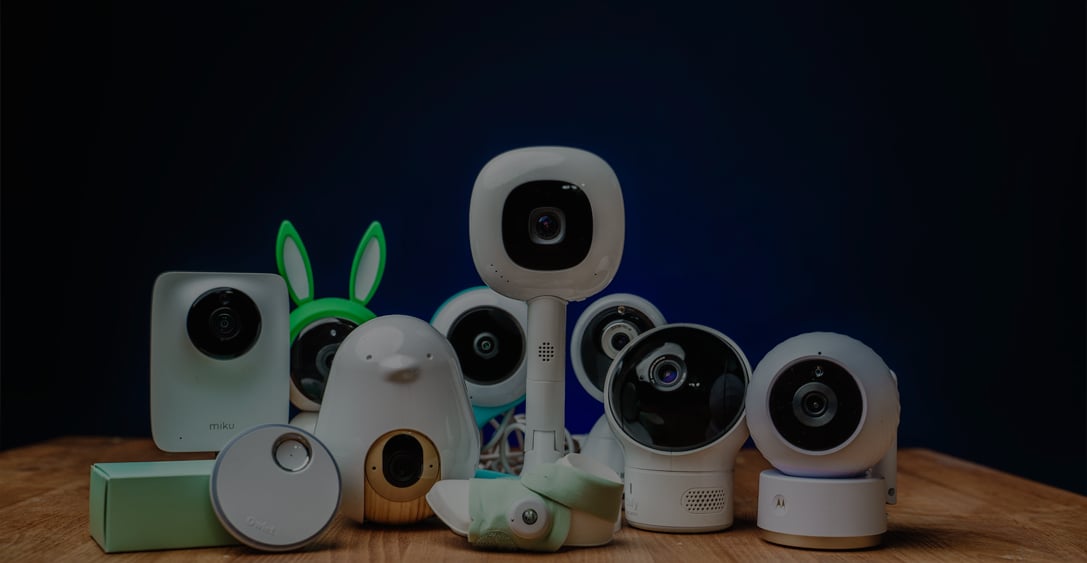
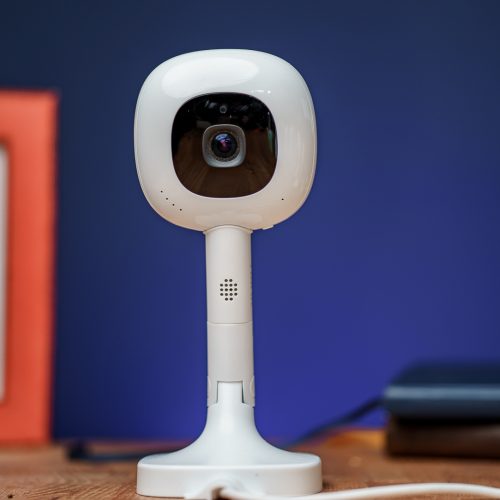
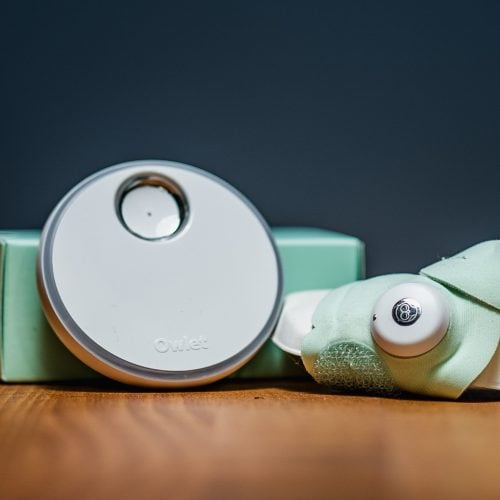
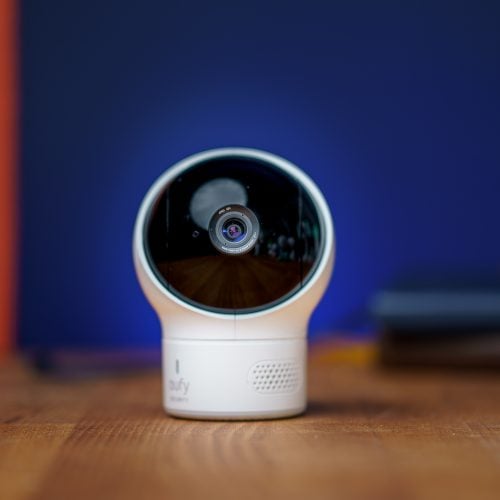
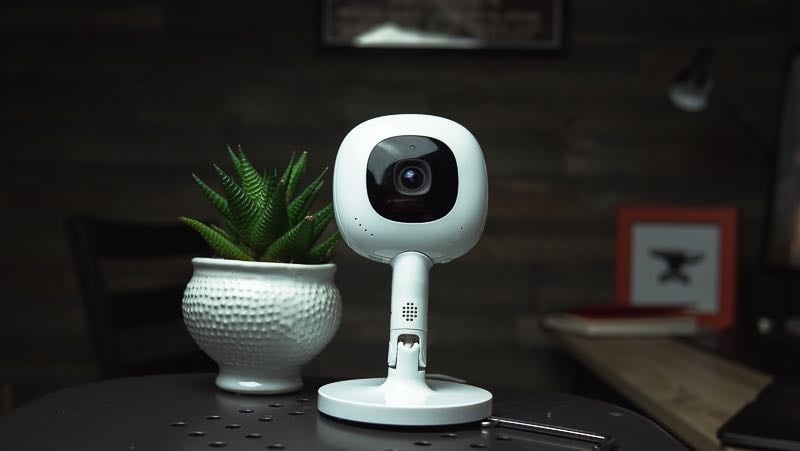
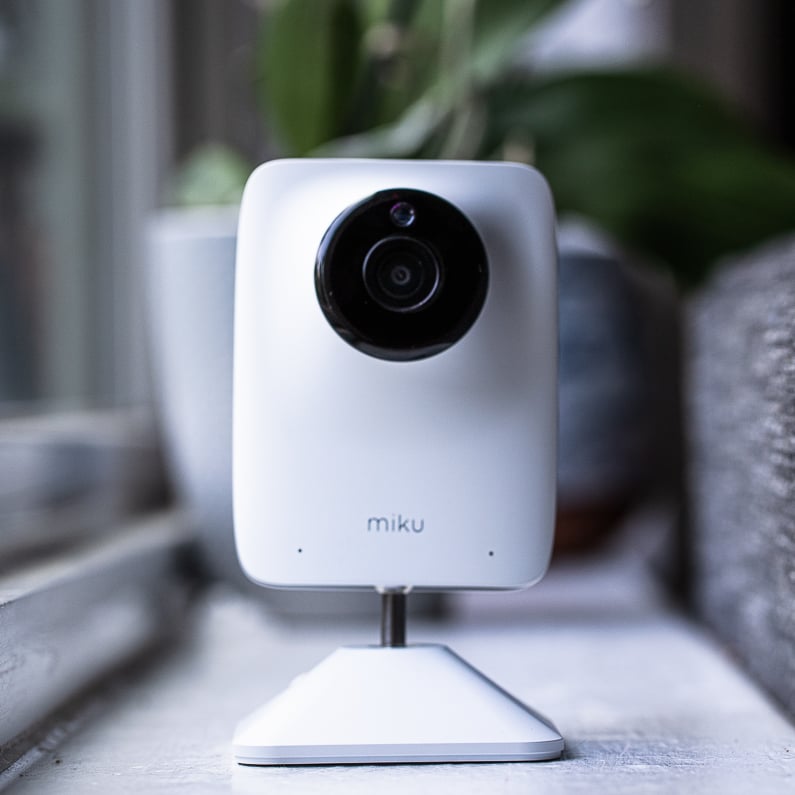
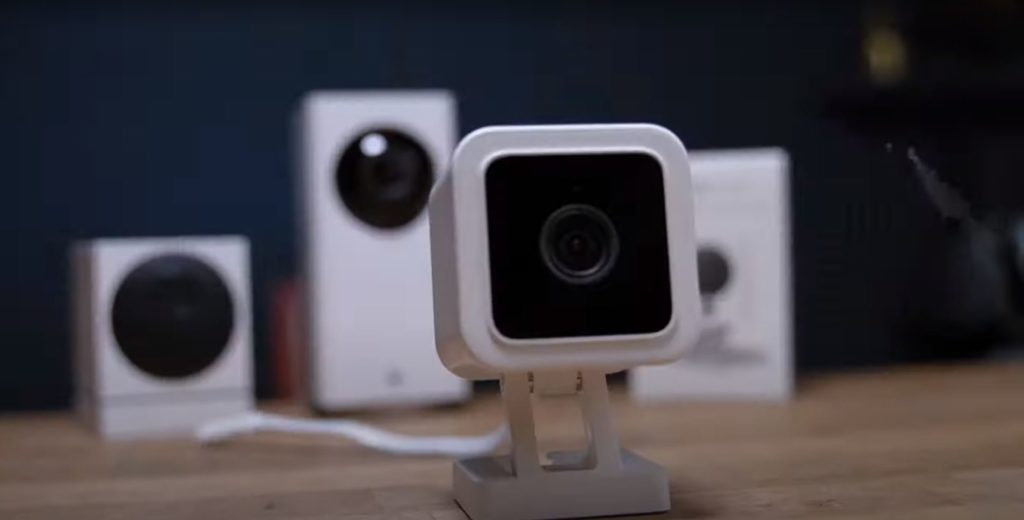
Can you tell if that's my son sleeping or a possessed pile of laundry? Because I can't. And this is the hundred and sixty dollar monitor the New York Times calls its top pick. Here's the problem. Baby monitors are supposed to help you sleep by assuring you your baby is sleeping safely. But most either drown you in information you can't interpret at three AM or they're so unreliable you end up walking to the nursery anyways. And reviews don't help. They pick one best baby monitor like every parent's needs are the same. They aren't. So I tested eight monitors for over six months, WiFi and non WiFi, smart and simple. In this video, I'll show you which ones actually match how you parent and which ones to skip. I'm Mark with Fathercraft. This is not a sponsored video. Nobody paid me to be here, which means I'm gonna be brutally honest about which monitors are genuinely great, which are fine, and which should be launched directly into the sun. Before we get into specific monitors, here's the framework. There are two kinds of baby monitor parents. Data parents who want reassurance, breathing tracking, sleep analytics, baby fell asleep at eight forty seven, farted at nine zero four, woke up twice. If you're a first time parent, this is probably you. The data helps you sleep or at least explains why you didn't. Just show me the baby parents want reliability. Clear picture, clear audio, works when WiFi doesn't, no app, no subscription. You want to glance at the screen, confirm the baby's still asleep and not attempting a prison break over the crib railing, and move on with your life. Neither is wrong, but by the wrong type and you'll either overpay for data you don't need or feel anxious because it doesn't tell you enough. Timestamps are in the description if you already know which camp you're in. Otherwise, keep watching. Okay, the next four monitors are some of the most popular in North America. They're simpler, cheaper, and for a lot of families, genuinely better. One exception, the Eufy is a hybrid. Flip a switch and it works with or without WiFi. More on that in a minute. First, let's talk about what to avoid. Dishonorable mentions, BabySense HD S2, dollars one hundred and forty nine. The New York Times's wire cutter calls this their top pick for local video baby monitors. I have questions. Did they test this monitor with a wall between themselves and the baby? Because one wall and this thing starts sweating. Two walls and the connections dropping in and out like a phone call in an elevator. Three walls, dead, gone, signal lost. To test range, I walked out my front door with each monitor and just kept walking. BabySense, dead about twenty feet out the front door. Eufy, VTech, and Hello Baby, I made it about halfway down my neighbor's sidewalk before all three dropped around the same spot. Excellent range. The video quality is also noticeably worse than VTech, and the field of view is narrower than my toddler's attention span, so you're getting a worse picture of less area. Not great. But here's the part that really gets me. A lot of parents buy non WiFi monitors specifically because they're worried about radiation. No WiFi means safer, right? So I tested it. I bought a two hundred dollars professional grade EMF meter, the same equipment that building biologists use, and measure the radio frequency emissions from every monitor in this video. BabySense, twelve point six four milliwatts per square meter at two feet. For reference, that's about twelve times more radiation than your phone averages while on a call. Nanit, the WiFi monitor everyone's supposedly scared of, zero point three five. That's thirty six times more radiation from BabySense, the safe non WiFi option. Why? I made a whole video breaking down the science. Link here. But here's what you actually need to know. Distance matters. At six feet plus, emissions drop dramatically regardless of the camera. So if you're going non WiFi, mount it at least six feet from the crib, use the zoom, and you're dramatically reducing the risk. Unless it's BabySense. It can't hold a connection through drywall, produces mediocre video, sounds like a fax machine, and emits thirty six times more radiation than the WiFi monitor it's supposedly safer than. To your all in cost, dollars one hundred and forty nine for a bundle with two cameras. Bottom line, the New York Times recommends this. I do not. Hello Baby HB6550, dollars sixty eight. Credit where it's due. The range on this thing is excellent. I walked to the exact same spot on my neighbor's sidewalk as the VTech before losing signal. I was genuinely impressed. My neighbor was genuinely weirded out. But that's where the compliments end. The video quality, and I need you to understand that I am not exaggerating here, is absolutely catastrophic. I've seen clear images from a Nintendo sixty four. Your baby looks like a character from Golden Eye. Here, look at this side by side with VTech. Same baby, same room, same distance. One looks like a child, the other looks like a police sketch of a child based on a witness who wasn't wearing their glasses. And somehow, Amazon shows thirty thousand of these sold per month. Thirty thousand parents looked at this footage and said, yes, this is acceptable. Did I miss the parenting meeting where we all agreed that babies should look like they're being filmed through a frosted shower door? Want to adjust the volume? Too bad. No external volume button. You have to click through the menu system like you're reprogramming a VCR. Three clicks deep to change the volume on a baby monitor in the year of our lore twenty twenty six. And the build quality? It feels like a toy from a McDonald's Happy Meal, the kind that breaks before you finish your McNuggets. Two year all in cost, dollars sixty five. Bottom line, great range, garbage everything else. VTech Advanced HQ Max, dollars eighty. The VTech is the monitor I recommend to most parents who just want something that works. And after the last two disasters, works feels like a revolutionary concept. The screen is massive. Seven inches of baby watching real estate. The video is actually crisp, like genuinely 720p that looks like 720p crisp. Side by side with Hello Baby, it's not even close. Range? Remember how far I made it down my sidewalk? You could one hundred percent monitor your child from your neighbor's backyard barbecue. I'm not saying you should. I'm just pointing out that technically you could because the range on this thing is killer. But here's the feature that sets the VTech apart from every other non WiFi monitor I tested. Motion detection. This is a big deal. Most non WiFi monitors have sound activation at best. Baby cries, screen wakes up. VTech actually detects movement. That's smart monitor functionality in a non connected package. The downsides are relatively minor. There's no app, obviously. It's non WiFi. So if you want push notifications to your phone when something happens, you're out of luck. To your all in cost, dollars eighty. No subscriptions. No hidden fees. Just a monitor that does its job. Bottom line, if you want reliable, simple, and affordable, this is it. Overall, the VTech is one of my top picks. The only reason I would look elsewhere is if you really want phone notifications, which brings us to the Eufy. Eufy E21, dollars one hundred and ninety nine. The Eufy E21 is the only monitor in this tier that works both ways. Flip a switch for local mode or connect to WiFi for app access and push notifications. Backyard? Open the app. Garbage hotel WiFi? Flip to local connection. Best of both worlds. Picture quality is excellent. It's the sharpest monitor in this entire test. Night vision is crisp. The parent unit is clean and responsive, and the app is actually good. Not good for a baby monitor, just good. Clean interface, loads quickly, great alerts. Push notifications. If your baby cries and you're not staring at the parent unit, your phone buzzes. VTech can't do that. For parents who don't want to carry the unit everywhere, this matters. Range matches VTech. EMF is also comparable to the VTech. Keep it six feet away and you'll be fine. Now, the caveats. First, it's twice the price of the VTech. Two hundred versus eighty dollars. If you genuinely never need app access or push notifications, you're paying extra for flexibility you won't use. Second, Eufy is owned by Anker, a Chinese company, and they have had security issues. In twenty twenty two, researchers discovered Eufy cameras were uploading data to the cloud despite promising local storage only, and the New York Attorney General recently settled with Yufi for four hundred and fifty thousand dollars Now Yufi says the issues are resolved, and I haven't personally seen any new incidents since the fixes. But if WiFi flexibility matters and data security keeps you up at night, Harbor is the better choice. Everything stays local, no cloud, no third party servers. To your all in cost, dollars two hundred. No subscriptions. Bottom line, VTech is the best pure non WiFi monitor. Eufy is the best monitor in this tier, period. If the budget allows, get this one. If you're becoming a dad for the first time, good work researching the gear. But here's the thing, most guys feel completely unprepared when their baby actually arrives. And that unpreparedness, it leads to three AM panic googling, fights with your partner, and honestly, just feeling like you're failing. Now you might think you're gonna get something like that from this book, but let's be honest, no one is reading all nine hundred pages. And books are kind of a crappy way of learning how to be a dad. It's a hands on sport. That's why we built Father's Ed. Thirty two bite sized videos and one ninety two page companion guide packed full of checklists that actually work. We've helped thousands of dads make this exact jump. Fathercraft dot com slash dollar Data parents, you want numbers, graphs. You want to know your baby's room was sixty eight point four degrees at two forty seven am because somehow that information helps you feel like you're in control of an inherently uncontrollable situation. I get it, I was you. Here are your options. The Owlette Dream Duo, dollars three seventy nine. While Nenet and Miku do offer breathing tracking, Owlette is the vitals king. It tracks pulse oximetry, heart rate and blood using the same technology hospitals clipped to your finger. The Dream Sock was the first FDA cleared consumer wearable in this category, and it isn't marketing fluff. It's regulatory validation. For parents with preemies, respiratory conditions, or anyone whose specific anxiety is what if something is actually medically wrong, Owlette is your answer. The camera is solid, crisp picture, strong night vision, clean audio. The app is simple, automatically records clips on sound, movement, or out of zone alerts. Price, the Dream Duo runs at three seventy nine. Base vitals monitoring works without a subscription. But if you want sleep analytics and trends, that costs nine ninety nine dollars a month. Two year all in cost, dollars six twenty. Bottom line, if you have a preemie or a genuine health concern, this is your pick. Harbor, dollars four ninety nine. Harbor is the new kid on the block and it's making waves for two reasons. First, no subscription. You pay four ninety nine for a camera plus a ten inch dedicated parent unit monitor, and you own it forever. Every feature they add gets pushed to your device for free. But here's what actually sold me. It works with or without Wi Fi. This is a killer feature for those that travel and without reliable internet. Local backup mode. Camera to parent unit, no internet required. Worked flawlessly the entire trip. This was a serious win. And the camera quality is excellent. Crisp picture, solid night vision. Side by side, the picture is significantly better than Nanit. The app is clean and intuitive. Harbor does not offer breathing tracking, but basic sleep analytics, crying detection, movement detection, and automatic clip recording are all included. One more thing for the privacy conscious. Your footage stays local. No cloud storage. No third party servers. The downsides? It's still relatively new, which means the software isn't quite as polished as what you'll find with Nanit yet. Two year all in cost? Four hundred ninety nine dollars. No subscription. Bottom line, best option for privacy focused parents and frequent travelers. And if you wanna go deep on Harbor, my review is here. Nanit Pro, two ninety nine dollars Fathercraft has been reviewing monitors for eight years, and Nanit is a perennial top pick. The sleep tracking is the most detailed in the category, and the whole product just feels polished in a way that the other competitors just don't match. A few highlights from their analytics. When did they go to sleep? When did they get up? And how many times did they stir? Three pieces of information I check every day because they're pretty good leading indicators of how chaotic your next twelve hours are likely to be. Night time lapse, sped up video review of your baby falling asleep. And their brand new sleep score feature, which is rolling out now, distills your baby's night into a single number with context. Instead of dumping raw data on your sleep deprived brain at six am, it says seventy two, rough night, here's why. And they finally solved a big WiFi monitor complaint, a dedicated parent unit, live feed, alerts, controls without tying up your phone. Downsides, first, camera quality. Despite 1080p, it's not as crisp as Harbor, Eufy, or VTech. It's not a deal breaker, but it definitely is disappointing. And second, Nanit pioneered the subscription model, so the two ninety nine price tag is definitely a work of fiction. Basic streaming is free, but the analytics that make Nanit worth it start at five dollars a month and go up to thirty. Most parents land between ten and fifteen dollars a month. Is it worth it? If you're the kind of person who genuinely uses the data adjusting nap schedules, troubleshooting regressions, tracking patterns over time, then yes. Unequivocally, Nanit's insights are actionable in a way that competitors just haven't matched. But if you're just gonna glance at it twice and forget it exists, you're paying a hefty subscription for a webcam. Bottom line, best in class analytics, best in class polish if you pay for it. Alright, let's bring this home. Eight monitors. Two types of parents. Here's how to spend your money. If you're a data parent: Premier health concerns? Owlette. Only FDA cleared vitals monitor. Privacy and travel? Harbor. No subscription. Works without WiFi. Data stays local. Best analytics and don't mind paying forever? Nanit. Gold standard if you actually use it. If you're a just show me the baby parent, best value: VTech. Dollars eighty, works great, motion detection, done. Want app flexibility? Eufy. Hybrid? Push notifications? Just be aware of security history. BabySense and Hello Baby? Absolutely not. I don't care what the New York Times says. These monitors are what happens when capitalism and incompetence have a baby. Links to everything are in the description. Full testing methodology and EMF data are available at fathercraft dot com slash monitors. And one last thing, if you're a dad to be, explore the confidence and skills you need in our Father's Ed course at fathercraft dot com slash dollar. Thanks for watching. Now go get some sleep. I'm Mark with father craft. Adios.